
Author
BayziBookPublished
ERP module overviewSecurity & Access Control ERP Module
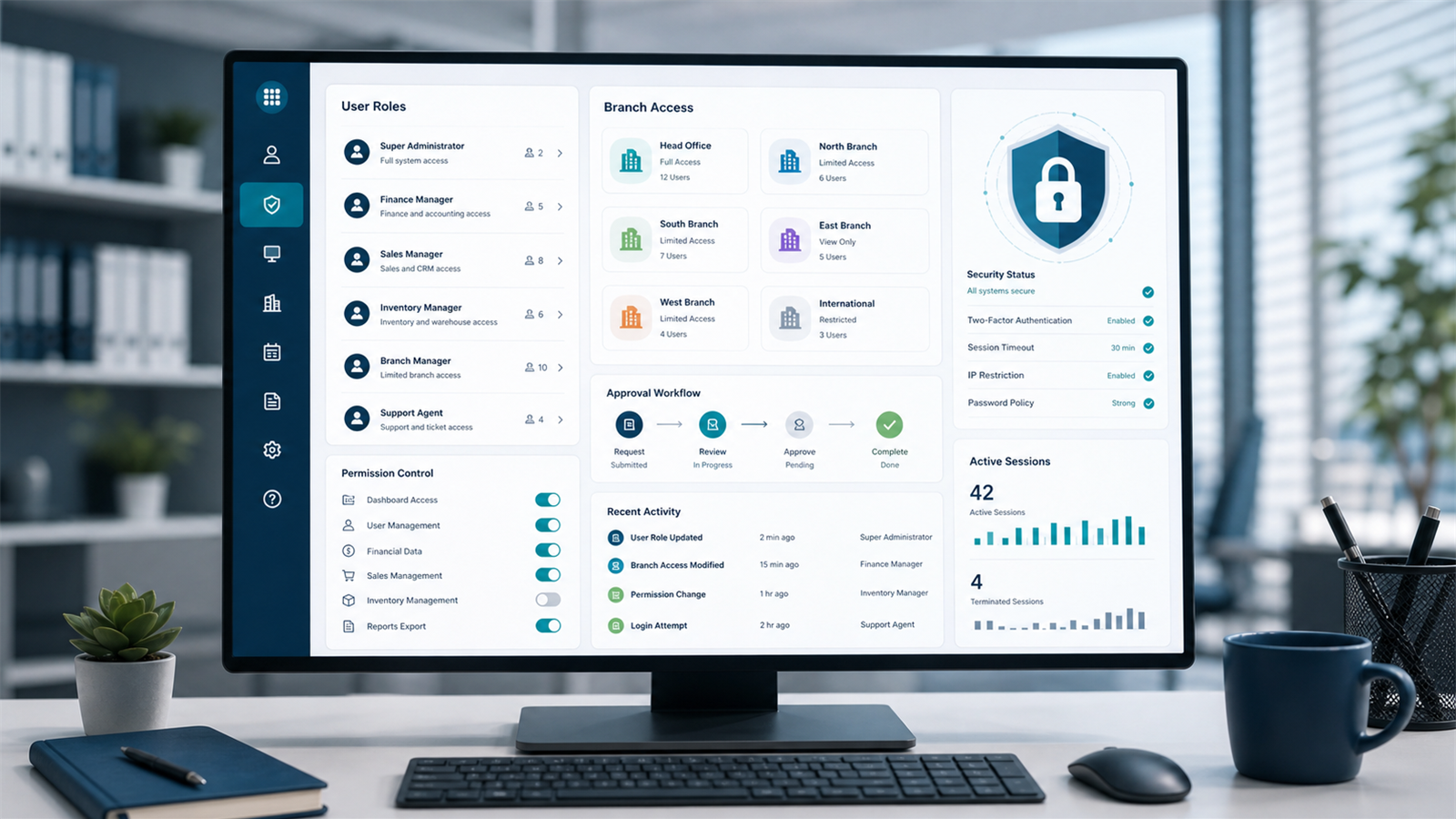
BayziBook Security & Access Control helps businesses protect ERP workflows with users, roles, permissions, menu access, report access, profile control, password management, and system configuration.
Give Teams the Right Access
Every organization needs different access rules for finance, sales, purchase, warehouse, POS, reporting, and administration. BayziBook supports role-based control so users can work where they should and stay out of areas they should not touch.
ERP security works best when permissions match real job responsibilities.
Core Capabilities
- User and role management.
- Permission on role and permission on report workflows.
- Profile and change password support.
- Module, permission, menu, and permission on menu setup.
- Configuration controls for system behavior and standardization.
Access Coverage
| Need | BayziBook Support |
|---|---|
| User control | User, role, profile, and password workflows. |
| Screen access | Menu and permission-on-menu setup. |
| Action access | View, create, update, delete, print, import, export, post, approve, and other permissions. |
| Report access | Permission-on-report controls. |
Why It Matters
BayziBook gives administrators practical control over who can see, change, post, print, approve, and report on business data across the ERP.
Request a Security & Access Control Demo
Tell us about your business and our team will guide you through the right BayziBook ERP workflow.Related ERP Modules
Explore connected BayziBook modules that work with this workflow to keep finance, stock, sales, purchase, POS, reports, and access control aligned.

Accounting & Finance
See how finance connects with sales, purchase, inventory, POS, and reporting.
Reporting & Analytics
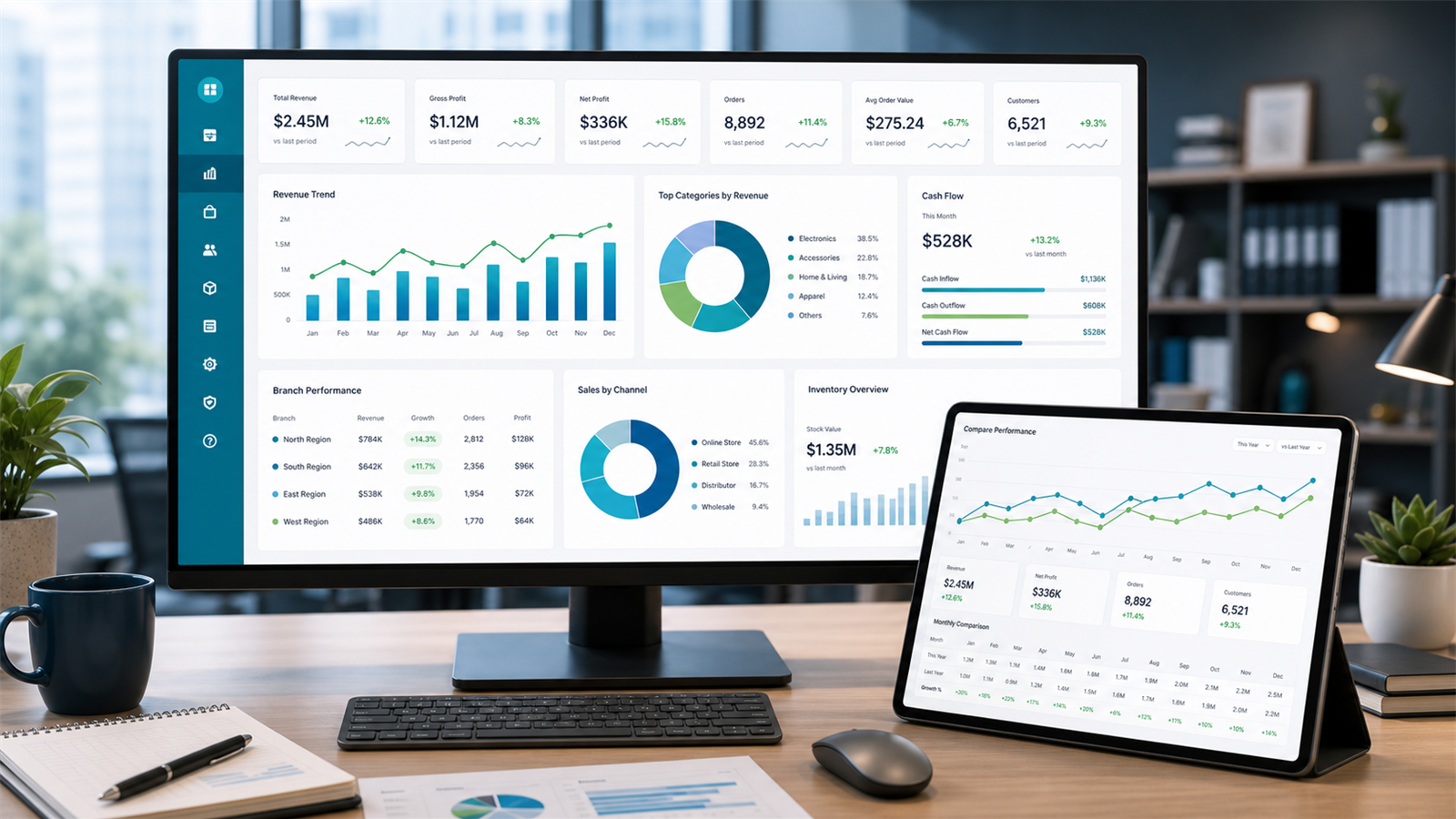
Turn sales, purchase, stock, POS, and finance data into business insight.
Point of Sale
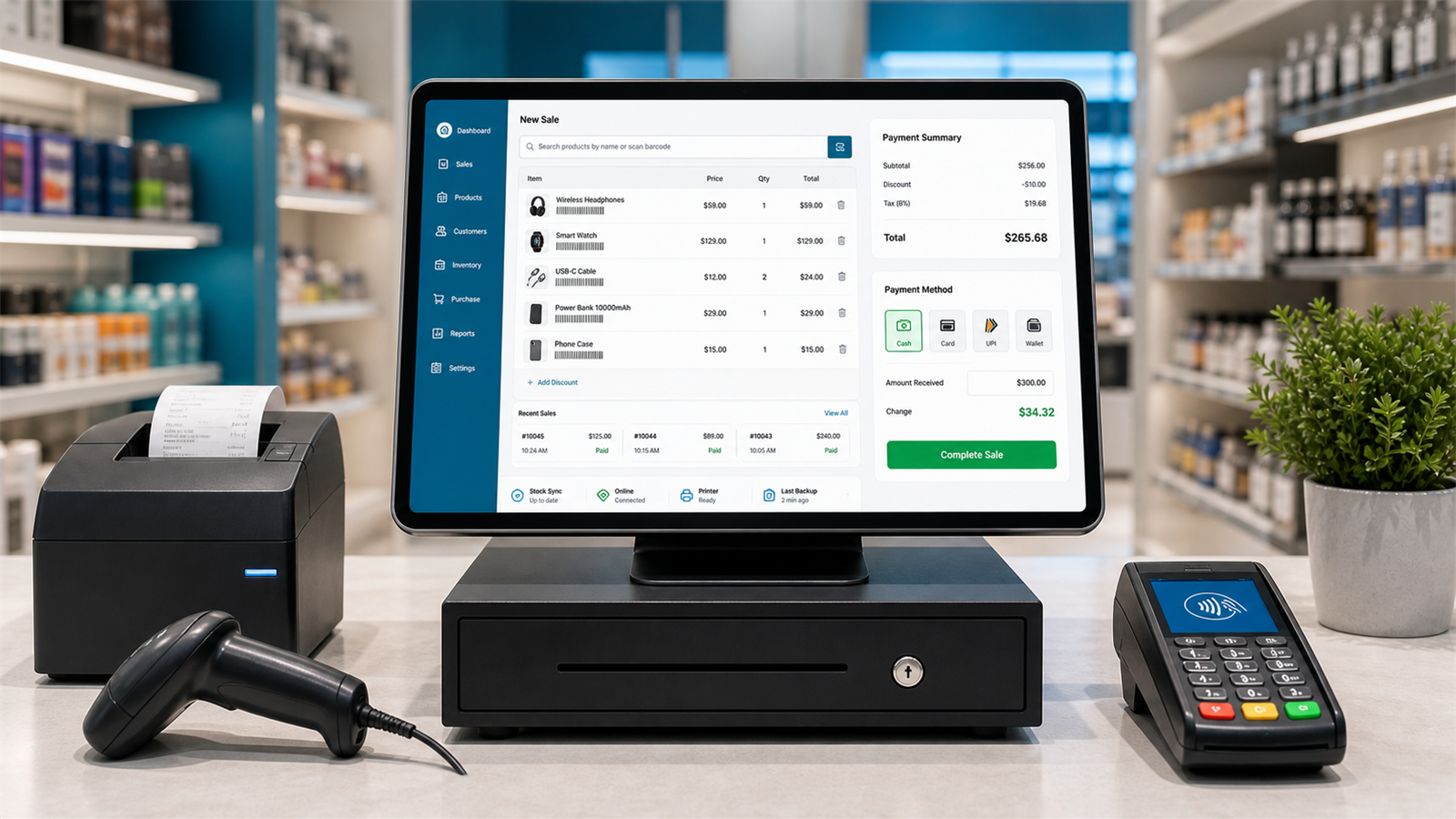
Run fast retail billing with returns, promotions, cash control, and receipts.
Need a Demo?
Contact BayziBook